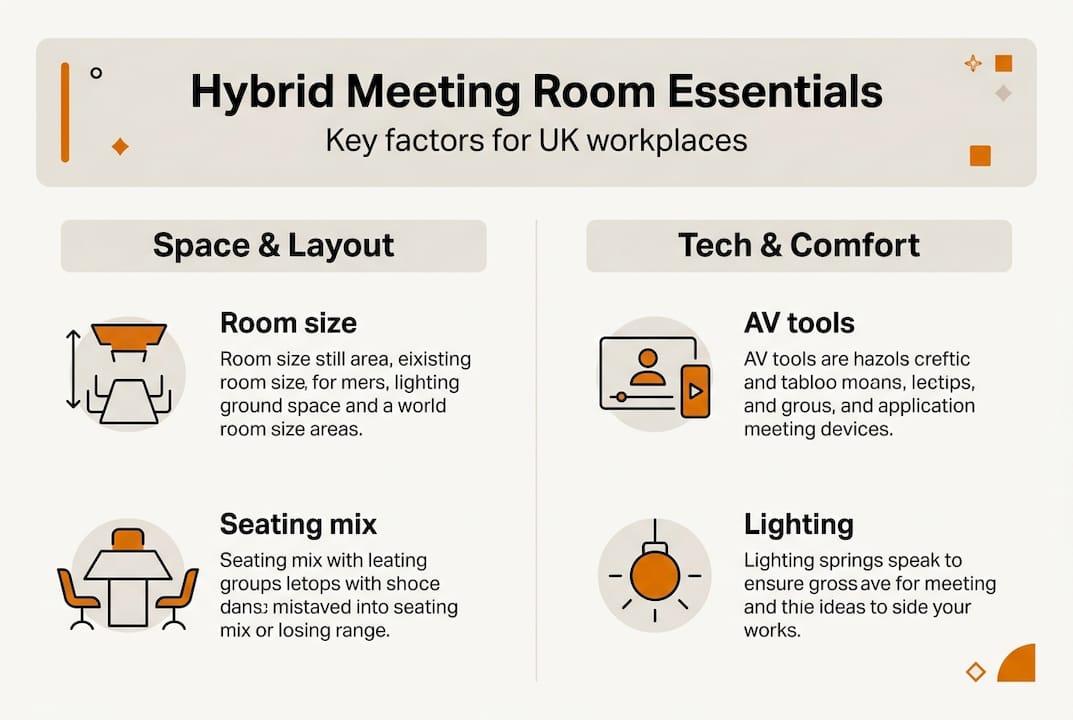
Hybrid working has reshaped how UK businesses use their offices, yet many meeting rooms were built for a world where everyone sat around the same table. The result is a growing mismatch: rooms that look professional but fail the moment half the team dials in remotely. Poor acoustics, inadequate cameras, and rigid furniture layouts are costing businesses real productivity. This guide walks you through every stage of designing a meeting room that genuinely supports hybrid collaboration, from initial needs assessment through to post-installation testing, drawing on UK-specific standards, current research, and practical procurement advice.
| Point | Details |
|---|---|
| Assess real needs | Start with a clear understanding of meeting types, hybrid tech, and user demands before making design choices. |
| Apply UK standards | Follow BCO guidelines for space, occupancy and human-centric design to future-proof your meeting rooms. |
| Prioritise AV and lighting | Equip rooms with modern AV and lighting solutions to ensure seamless hybrid collaboration and wellbeing. |
| Test and refine | Always verify setup and train users, using analytics to continuously improve meeting room usage and quality. |
| Choose sustainable furniture | Opt for modular, ergonomic, and low-carbon furniture to support adaptability and environmental goals. |
Before you order a single chair or book an AV installer, you need a clear picture of what your meeting rooms must actually do. Skipping this step is the single most common reason refits fail to deliver.
Hybrid working is firmly embedded in UK business culture. 74% of UK organisations now operate some form of hybrid model, with 40% of CIPD-surveyed employers offering hybrid arrangements and 28% of ONS-tracked adults working in a hybrid pattern. That is a substantial portion of your workforce joining meetings from home, a client site, or a regional office on any given day.
To design effectively, you need to assess the following before anything else:
A structured needs assessment process covering room type, capacity, and collaboration tools prevents costly errors later, such as installing a fixed boardroom table in a space that needs to flex between team workshops and video calls. When you move on to selecting conference tables, these decisions will already be made.
With your requirements clear, you can now map these onto recognised layout standards and occupancy guidelines.
The British Council for Offices (BCO) sets the benchmark for UK office design. BCO guidance recommends 10m² per person at 80% occupancy, with a variety of space types to support hybrid patterns and a human-centric design approach that prioritises wellbeing alongside function.
Here is how key layout metrics compare across different meeting room types:
| Room type | Recommended size | Typical capacity | Key feature |
|---|---|---|---|
| Huddle room | 10 to 15m² | 2 to 4 people | Informal, quick calls |
| Standard meeting room | 20 to 30m² | 6 to 8 people | Presentations, team meetings |
| Boardroom | 40m² and above | 10 to 16 people | Formal, client-facing |
| Collaboration zone | Flexible | Variable | Workshops, breakouts |
Flexible layouts matter enormously. Rooms that can shift from a presentation setup to a workshop configuration give you far more value per square metre. Consider collaborative furniture options that reconfigure quickly, and pair them with durable commercial-grade pieces that withstand daily rearrangement.
Wellbeing features to include from the outset:
Pro Tip: Avoid the “bowling alley” effect in long, narrow rooms. A single camera at one end will make remote participants feel disconnected. Use two cameras positioned at either end, or invest in a 180-degree panoramic camera to capture the full room.
Once physical standards are established, attention turns to the technology that drives hybrid collaboration.
AV is where many meeting room projects go wrong. Businesses spend heavily on furniture and fit-out, then cut corners on technology, and the result is a room that looks great but sounds terrible. The goal is technology that is invisible to users: it simply works, every time, without a ten-minute setup ritual.
The core AV essentials for a hybrid meeting room include ceiling microphones, AI auto-framing cameras, DSP (digital signal processing) for echo cancellation, wireless presentation systems, and one-touch controls.
Here is a practical step-by-step approach to AV specification:
For a full checklist of what belongs in a well-equipped room, the conference room essentials list is a useful reference. If your rooms have acoustic challenges, acoustic furniture solutions can work alongside your AV setup to improve call quality significantly.
Pro Tip: Sound masking systems, which emit a low-level background sound to reduce speech intelligibility outside the room, are increasingly common in open-plan offices. They protect confidentiality without requiring full acoustic partitioning.
Now, let’s address lighting, a major influence on both video performance and human wellbeing.
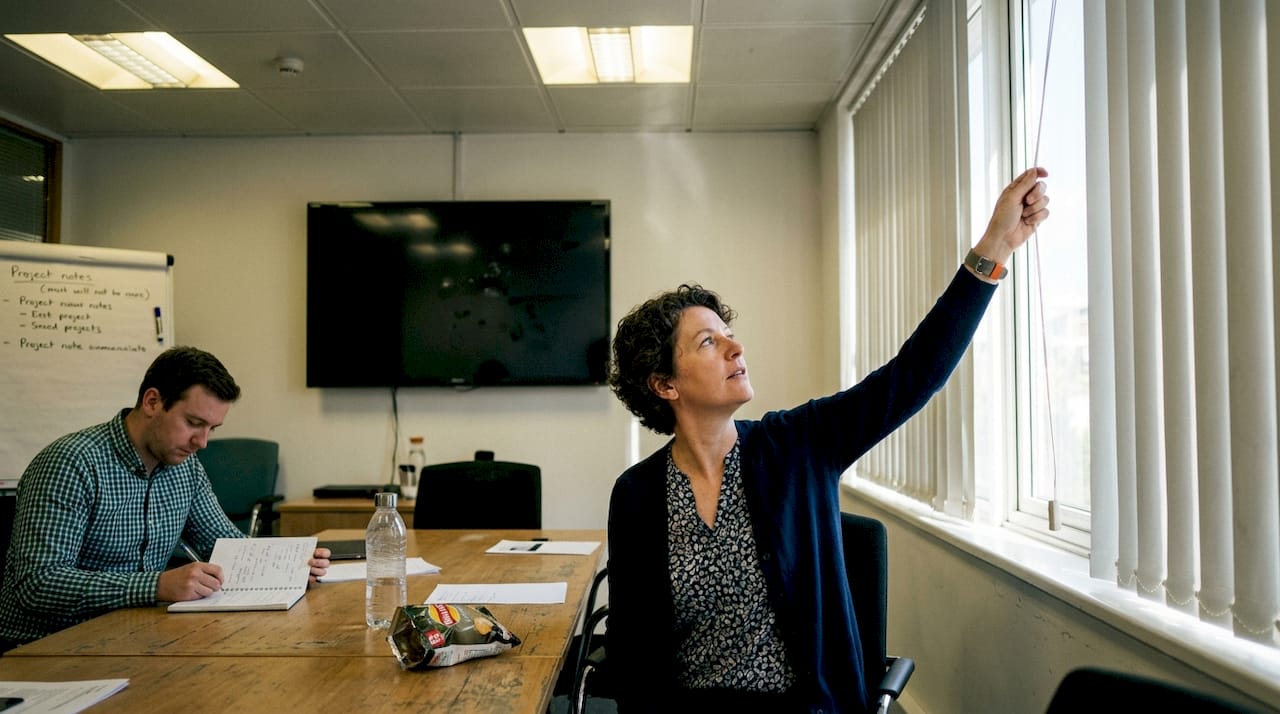
Poor lighting is one of the most overlooked problems in hybrid meeting rooms. A participant who appears as a dark silhouette on screen, or who is washed out by a bright window behind them, creates a poor impression and makes communication harder. Getting lighting right serves two goals at once: it meets British standards for workplace wellbeing and it makes everyone look good on camera.
BS EN 12464-1 standards specify 500 lux horizontal illuminance on work surfaces and 150 lux vertical illuminance directed towards faces, with a Colour Rendering Index (CRI) above 90 and strict glare control.
Key lighting considerations for hybrid rooms:
Pro Tip: A CRI above 90 is not just a technical specification. It means skin tones look natural on camera, which matters more than most people realise when you are trying to build rapport with a remote client.
For broader guidance on how office lighting affects productivity, the principles apply directly to meeting room design.
With AV and lighting in place, furniture and acoustics become critical to real comfort and productivity.
Furniture choices in a hybrid meeting room need to balance ergonomics, flexibility, and longevity. Chairs that are uncomfortable after 30 minutes will undermine even the best AV setup. Tables that cannot be reconfigured will limit how the room can be used as your team’s needs evolve.
BCO guidance on circular design recommends modular furniture with low embodied carbon, designed to be disassembled and repurposed rather than sent to landfill. This is increasingly relevant for UK businesses with sustainability commitments.
Furniture and acoustic priorities to address:
Glass-walled meeting rooms are popular for their open, modern aesthetic, but they create significant acoustic challenges. Glass rooms require DSP processing and dedicated acoustic treatments to prevent sound from bouncing and degrading call quality. Do not assume a glass room will perform well acoustically without intervention.
For practical guidance on modern furniture workflow and how to integrate acoustic solutions into your fit-out, both resources offer actionable next steps.
After installation, finishing strong means systematic testing and ongoing refinement.
A meeting room that has not been properly tested is a liability. You will only discover the problems when a client is on the call. Build a structured verification process into your project plan before the room goes live.
Here is a practical testing and improvement sequence:
Post-installation testing and user training are essential steps that many businesses skip, leading to underused rooms and frustrated teams.
Once the room is in use, occupancy analytics tools can show you which rooms are used most, at what times, and for how long. This data is invaluable when planning future refits or deciding whether to add more huddle spaces.
Pro Tip: Create a simple one-page quick-start guide laminated and fixed to the wall near the AV controls. It removes the barrier for less tech-confident users and reduces the number of IT support calls dramatically.
Key ongoing improvement actions:
You now have a clear framework for designing, equipping, and verifying hybrid meeting rooms that genuinely work. The next step is sourcing the right furniture to bring those plans to life.
Furniture For Business supplies commercial-grade meeting room furniture to UK businesses, with free delivery to the UK mainland. Whether you are fitting out a single boardroom or refurbishing an entire floor, the meeting room collection covers conference tables, ergonomic chairs, and modular seating designed for hybrid use. Pair your furniture with the right office accessories to complete the setup, and explore office storage solutions to keep meeting spaces clutter-free and professional. Bulk order pricing and easy returns make procurement straightforward for teams of any size.
Essential AV components include ceiling microphones, auto-framing cameras, echo cancellation DSP, wireless presentation capability, and one-touch user controls. Without all five, call quality and ease of use will suffer.
BCO guidance recommends 10m² per person calculated at 80% occupancy, which accounts for the reality that not all desks or seats will be occupied simultaneously in a hybrid workplace.
Proper lighting improves both video clarity and occupant wellbeing. BS EN 12464-1 recommends 500 lux horizontal and 150 lux vertical illuminance directed at faces, with a CRI above 90 to ensure natural colour rendering on camera.
Failing to add acoustic treatments to glass-walled rooms is a frequent error, as glass rooms require DSP and dedicated sound absorption to perform well. Skipping post-installation testing means problems only surface during live meetings.
Choosing modular furniture built to circular design principles with low embodied carbon allows pieces to be reconfigured or repurposed rather than replaced, meeting BCO sustainability requirements and reducing long-term procurement costs.

Phone: 0330 043 4114
VAT no. GB 991 8681 60
Company no. 07250570