Every busy office faces a familiar challenge: employees struggle with workflow frustrations when furniture and layout fall short of real workplace needs. The right setup supports your team’s daily tasks, reducing bottlenecks and encouraging smooth movement between work zones. Research highlights the value of workspace design with natural elements and low noise for better satisfaction and productivity, underscoring the importance of understanding how your office functions before making any changes.
| Key Point | Explanation |
|---|---|
| 1. Assess Workflow Patterns | Observe how employees interact with the workspace to identify movement bottlenecks and collaboration zones. |
| 2. Choose Appropriate Furniture | Select furniture that aligns with the specific needs of different work areas for maximum efficiency and comfort. |
| 3. Optimize Layout for Movement | Arrange furniture to minimize walking distances and ensure clear pathways to support efficient employee movement. |
| 4. Verify Ergonomic Setup | Regularly assess workstations for ergonomic compliance to prevent discomfort and improve overall productivity. |
| 5. Gather Feedback and Adjust | Continuously collect employee feedback to make necessary adjustments and ensure the layout meets evolving needs. |
Before selecting furniture or redesigning your office layout, you need a clear picture of how your team actually works. This assessment forms the foundation for every decision that follows and directly impacts productivity.
Start by observing your current workflow patterns. Watch how employees move through the space, where they collaborate, and which areas feel congested or underutilized. Ask yourself where bottlenecks occur during the day.
Document specific activities your team performs regularly. Do they need quiet concentration spaces? Frequent collaboration zones? Phone call booths? Spaces for informal meetings? Each activity requires different environmental conditions.
Research shows that workspace design with natural elements and low noise improves employee satisfaction and perceived productivity. Consider these assessment factors:
Measure your actual space dimensions and identify any architectural constraints like columns, windows, or doorways. Photograph problem areas. Interview key staff members about their daily frustrations.
Understand your workflow patterns first—furniture choices should follow your needs, not the other way around.
Consider how different departments interact. Marketing might need creative collaboration spaces while accounting requires focused, individual work zones. When planning office storage solutions, you’ll reference this assessment to ensure adequate accessibility for each team.
Document your findings in a simple spreadsheet or visual diagram. Include team size, primary activities, current pain points, and space dimensions. This assessment becomes your roadmap for all furniture decisions moving forward.
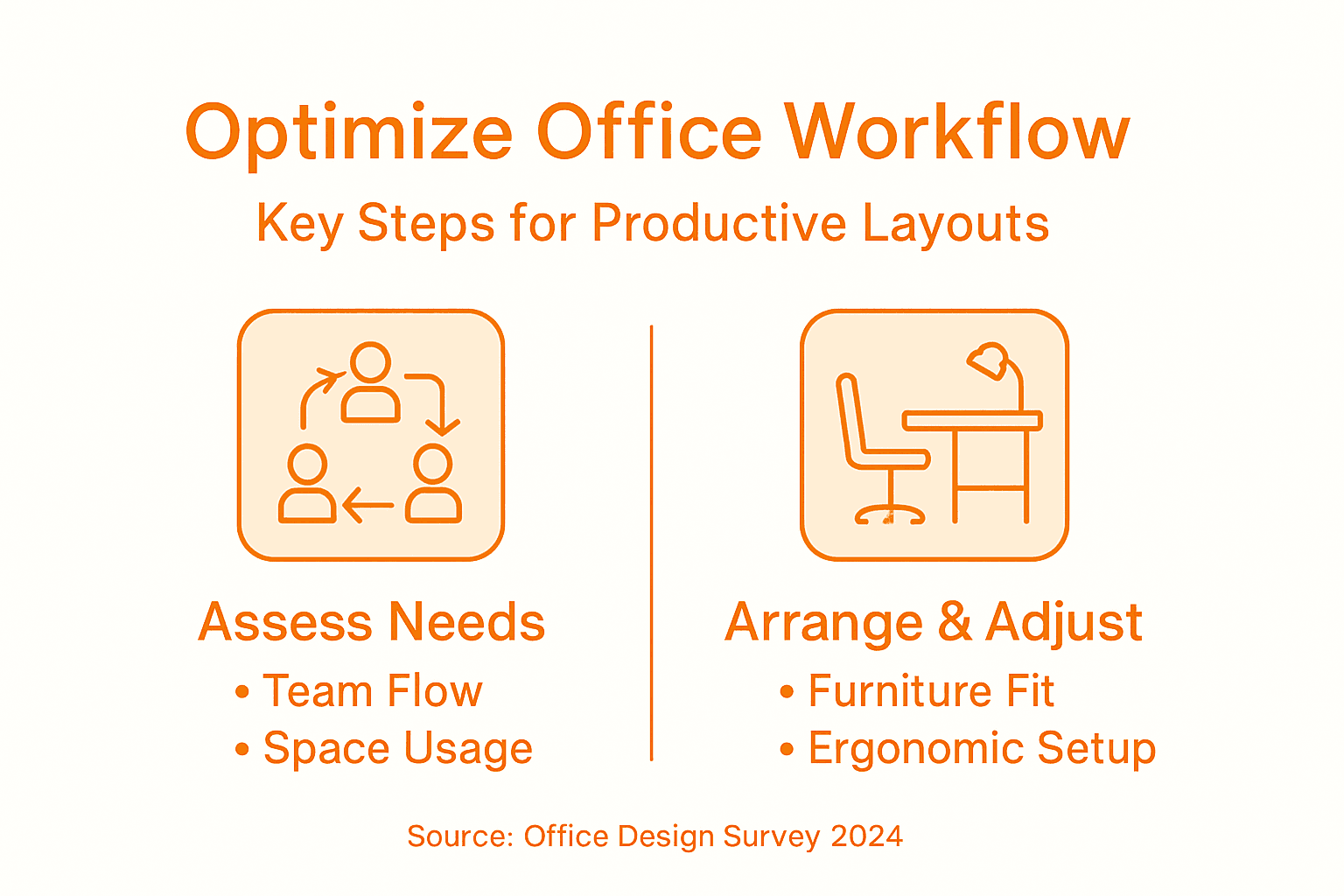
Here’s a comparison of work area types and their ideal workspace features:
| Work Area Type | Ideal Environment | Key Benefits |
|---|---|---|
| Focused Work Zone | Quiet, enclosed, good lighting | Reduces distractions, supports concentration |
| Collaboration Space | Open, flexible seating, natural light | Enables teamwork, encourages creativity |
| Phone Booth | Soundproof, compact | Ensures privacy, reduces noise impact |
| Informal Meeting Spot | Comfortable, semi-private | Promotes spontaneous discussions |
Pro tip: Survey your team anonymously about workspace frustrations—they’ll identify issues you’d miss from observation alone, and involving them builds buy-in for changes ahead.
Now that you understand your workflow patterns, it’s time to choose furniture that supports those specific activities. The right pieces eliminate friction and enable your team to work efficiently without unnecessary movement or discomfort.
Start by matching furniture types to the activities you documented earlier. Collaboration zones need flexible seating and accessible tables. Focused work areas require office chairs that support long concentration periods. Phone booths need compact, soundproof layouts.
Consider ergonomics across all selections. Your team spends eight hours daily in these pieces, and poor support directly reduces productivity and increases health issues. Height-adjustable solutions accommodate different body types and allow position changes throughout the day.
Evaluate how furniture configurations support workflow movement. Can employees easily transition between individual work and team collaboration? Do office desks position people where they need to be for their primary tasks? Poor layouts create frustration even with quality furniture.
Prioritize these selection criteria:
Don’t overlook smaller pieces. Accessories like footrests, monitor stands, and desk organizers address specific comfort issues. They’re cost-effective additions that noticeably improve daily experience.
Select furniture that solves real workflow problems, not pieces that simply look modern or fit a design trend.
Test before committing to large quantities. If possible, borrow samples or visit showrooms to see how pieces feel and function. Your team’s comfort directly impacts their productivity and retention.
Balance individual preferences with workspace standardization. Some consistency ensures cohesive design and simplifies future replacements, but allowing adjustable solutions respects different working styles.
Pro tip: Involve your team in furniture selection by creating a short survey about their comfort needs and preferences—this builds ownership of the new space and catches issues you’d otherwise discover after installation.
Physical layout directly influences how efficiently your team moves through the office and completes daily tasks. Poor arrangement forces unnecessary steps, interrupts focus, and creates bottlenecks. Strategic placement eliminates friction.
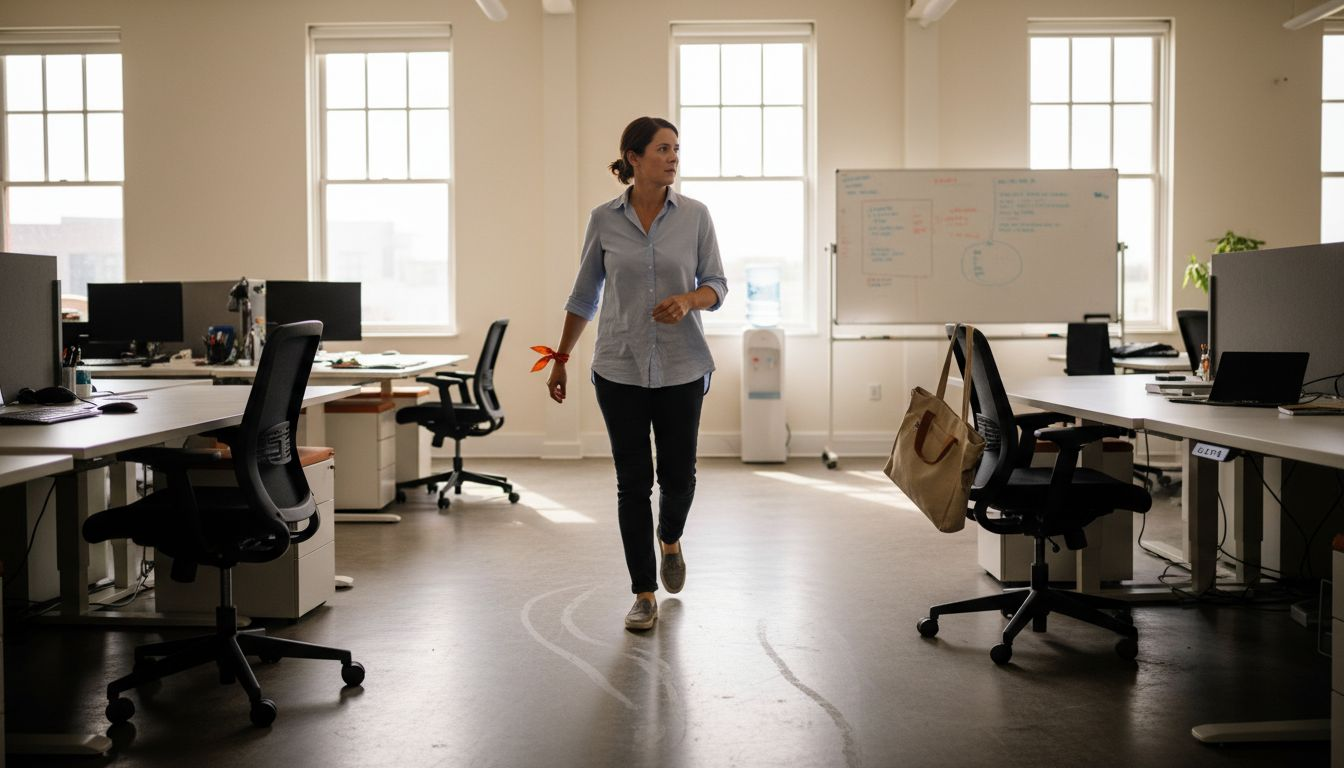
Start by mapping traffic flow patterns. Identify the natural paths employees take between their desks, meeting rooms, restrooms, and common areas. Avoid placing furniture that blocks these routes or forces awkward detours. Wide corridors reduce congestion during peak times.
Position furniture to minimize walking distances between related activities. Teams that collaborate frequently should sit near each other. Support functions like printing or supply stations should be accessible without disrupting focused work zones.
Modular and flexible furniture enables quick reconfiguration as your team’s needs evolve. Rather than permanent arrangements, choose pieces that adapt to different task demands. This flexibility supports both individual concentration and spontaneous collaboration.
Apply these layout principles:
Consider vertical movement too. Don’t place frequently needed soft seating or collaboration zones on different floor levels unless necessary. Every elevation change adds time and effort.
Efficient movement means less fatigue, fewer interruptions, and more time on actual work.
Test your layout before final installation. Use temporary placement or floor tape to outline furniture positions. Have your team navigate the space and provide feedback on movement comfort and workflow logic.
Remember that efficiency improves over time as people adjust. Monitor usage patterns during the first month and make adjustments where bottlenecks emerge. What works theoretically may need tweaking based on real behavior.
Pro tip: Create wide pathways between desks and meeting spaces—employees naturally wander slightly as they walk, so corridors need extra width to prevent collisions and frustration.
Proper ergonomics prevents pain, reduces sick days, and keeps your team performing at full capacity. An uncomfortable workstation compounds over months, leading to musculoskeletal problems that damage productivity and morale.
Start with chair positioning. Your employees should sit with their feet flat on the floor and knees at ninety degrees. The backrest should support the natural curve of the spine without forcing an unnatural arch. Armrests need to allow shoulders to relax while elbows stay at right angles.
Monitor height matters significantly. The top of the screen should align with eye level when sitting upright. Screens positioned too low force neck strain over eight-hour workdays. Too high creates upper back tension.
Desks should position keyboards at elbow height. When arms hang naturally at the sides, wrists should be straight, not bent up or down. Ergonomic interventions including proper chair and desk positioning directly reduce physical discomfort and musculoskeletal strain while improving employee performance.
Create a verification checklist:
Observe your team working throughout the day. Poor posture often develops as fatigue sets in. Adjustable furniture helps, but awareness matters equally. Employees who understand ergonomic principles adjust themselves naturally.
Ergonomic comfort directly translates to sustained focus and reduced absenteeism.
Schedule individual assessments if possible. Everyone’s body differs in proportions and needs. Taller employees may need different desk heights than shorter colleagues. Customization prevents one-size-fits-all failures.
Follow up monthly during the first three months. Ask employees about any discomfort. Small adjustments prevent problems from becoming chronic issues.
Pro tip: Have employees stand and stretch every hour—even perfect ergonomics require movement, and stretching breaks prevent stiffness and maintain circulation throughout the day.
Here is a summary of ergonomic improvements and their productivity impact:
| Ergonomic Adjustment | Common Issue Prevented | Productivity Impact |
|---|---|---|
| Adjustable Chair Height | Leg discomfort, poor posture | Less fatigue, better focus |
| Monitor at Eye Level | Neck and back pain | Sustained attention |
| Keyboard at Elbow Height | Wrist strain, repetitive injury | Fewer breaks, fewer errors |
| Frequent Movement/Stretching | Stiffness, circulation issues | Higher energy, less absenteeism |
Your workspace optimization isn’t finished after installation. Real-world usage reveals what works and what doesn’t. The first weeks are your window to identify adjustments before problems become ingrained habits.
Start collecting feedback immediately after employees settle into the new layout. Schedule brief one-on-one conversations asking specific questions about their daily experience. Are they spending more time walking? Finding collaboration easier? Experiencing unexpected distractions?
Observe actual behavior patterns. Watch where people naturally congregate, which spaces sit unused, and where friction points emerge. Watch how teams interact. Sometimes people adapt to poor layouts instead of reporting problems.
Assessing feedback and workflow bottlenecks enables managers to adapt office layouts for efficiency and productivity. Document specific issues with locations and circumstances to identify patterns rather than isolated complaints.
Prioritize these adjustment areas:
Make changes thoughtfully. Move furniture in response to documented patterns, not individual preferences. One person avoiding an area might reflect personal choice, but multiple people doing so suggests a layout problem.
Small adjustments within weeks prevent major restructuring months later.
Schedule a second round of feedback at the three-month mark. By then, people have adapted and understand the space’s true strengths and weaknesses. This timing captures realistic feedback rather than adjustment-period discomfort.
Track productivity metrics if possible. Compare task completion times, project turnaround, or meeting duration before and after layout changes. Quantifiable improvements justify the investment and guide future decisions.
Remember that optimization is ongoing. Your team’s needs evolve as projects change, headcount shifts, and work patterns adapt. Building feedback loops into your process means you’ll catch issues early.
Pro tip: Create an anonymous feedback form staff can submit anytime—some people won’t speak up in conversation, but written feedback captures honest concerns that guide your best decisions.
The journey to optimizing your office workflow starts with understanding your team’s unique needs and selecting furniture that truly supports efficient movement and ergonomic comfort. This article highlights common challenges such as bottlenecks, poor ergonomics, and disruptive layouts that reduce productivity and employee satisfaction. At Furniture For Business, we understand these pain points and offer a comprehensive range of products including office chairs, office desks, and office storage solutions designed to create flexible, durable, and ergonomically sound workspaces.
Transform your office into a high-performance environment that supports focus and collaboration. Explore our expertly curated collections now and benefit from free shipping within the UK mainland alongside easy returns. Take the first step to improve your team’s comfort and output by visiting Furniture For Business today. Don’t wait to elevate your workspace — your employees deserve furniture designed for their success.
To assess your office’s workflow requirements, observe how employees interact with the space, documenting common activities and identifying bottlenecks. Conduct interviews and surveys to gather insights on their needs, ensuring your furniture choices align with their actual work patterns.
For collaborative work zones, choose flexible seating, communal tables, and areas that allow for easy movement and interaction. Ensure that these spaces are designed to promote team engagement and creativity while remaining comfortable and accessible.
Key factors to prioritize include flexibility, durability, ergonomics, noise control, and storage integration. Evaluate how each piece of furniture supports your team’s specific tasks and overall workflow, providing options that enhance comfort and efficiency.
Optimize the furniture layout by mapping traffic flow patterns and placing related functions close together to minimize walking distances. Create wide corridors and avoid blocking natural pathways, ensuring employees can navigate the space easily and efficiently during busy times.
Make ergonomic adjustments by ensuring chair heights allow for feet to rest flat on the floor and monitor screens are at eye level. Regularly observe employees’ posture and provide adjustable furniture options to promote comfort and reduce the risk of strain, enhancing overall productivity.
Gather feedback through one-on-one conversations or anonymous surveys to understand employees’ experiences in the new layout. Schedule follow-ups within the first three months to identify pain points and make necessary adjustments based on documented feedback.

Phone: 0330 043 4114
VAT no. GB 991 8681 60
Company no. 07250570