Fixed pads, mechanical adjustable systems, dynamic self-adaptive supports and external cushions are the four main lumbar support types. For anyone sitting most of the day, an adjustable or dynamic system, ideally with both height and depth control, outperforms a fixed pad or bolt-on cushion. The type matters less than whether it actually fits your spine.
TL;DR:
- Mechanical adjustable lumbar supports offer the best fit for prolonged sitting, especially with independent height and depth controls, compared to fixed or external cushions.
- Proper positioning, including setting the lumbar pad against the lower back and adjusting for support without pressure points, is crucial for comfort and spinal health.
- Lumbar support alone cannot fix injuries or non-postural pain and must be part of a comprehensive approach including pelvic stabilization and core strength.
- For daily use over eight hours, dynamic self-adaptive systems provide superior support for active sitters, while simpler, robust mechanical adjustments suit most office environments.
- When choosing chairs for team spaces, prioritize durability, ease of adjustment, and consistent support across users to ensure long-term comfort and value.
Most chairs on the market use one of four approaches to lumbar support, and knowing which is which stops you buying on marketing copy alone.
Fixed lumbar support is a moulded curve built into the backrest at a set height and depth. It costs manufacturers little to produce, so you find it on budget task chairs and most visitor seating. The trouble is that spinal curvature varies enormously from person to person, and ergonomics practitioners generally regard fixed pads as a poor match for anyone outside an average height range. A fixed pad set for an average height frame can dig into the small of the back for someone shorter, or sit uselessly below the curve for someone taller.
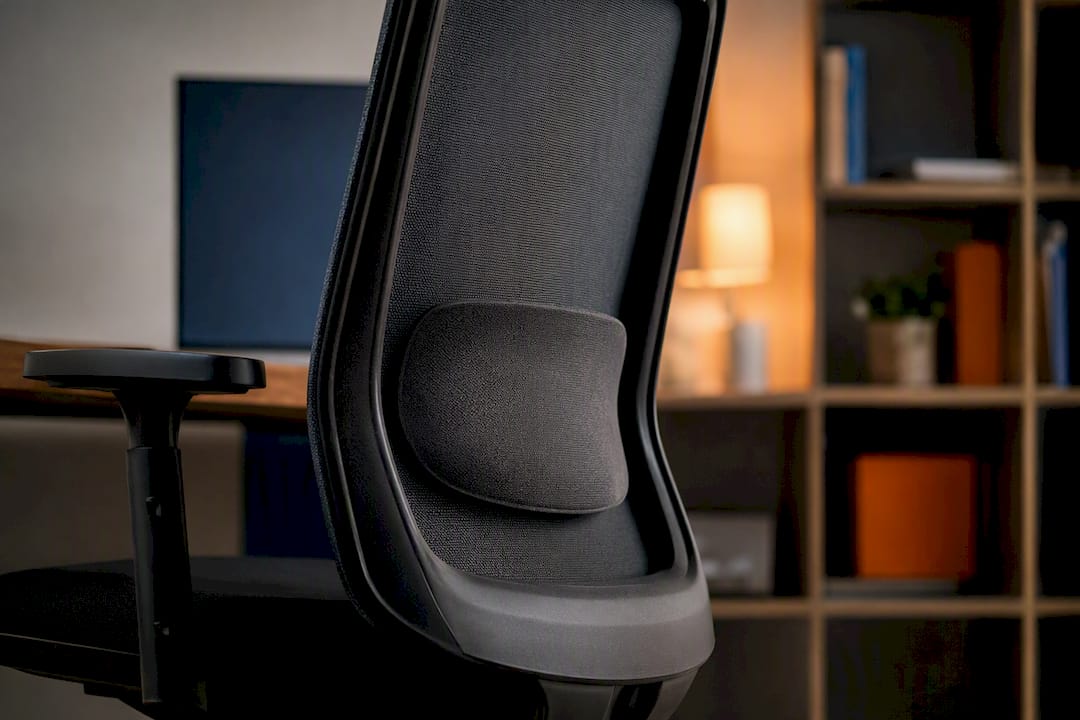
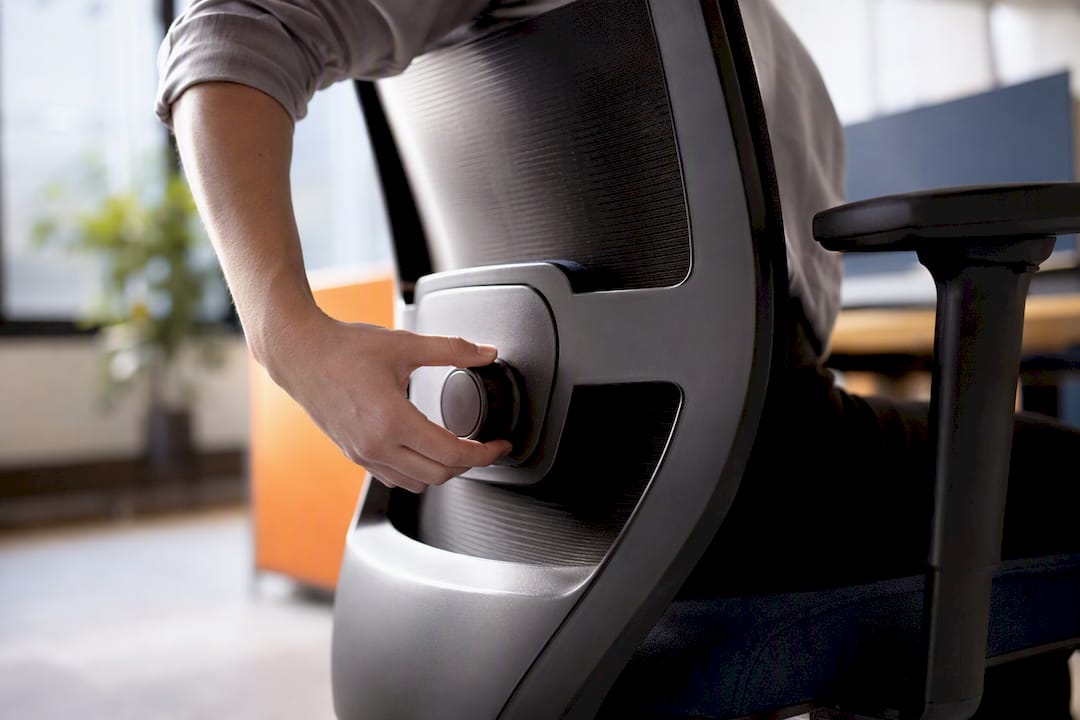
Mechanical adjustable lumbar support lets you physically alter the position or tension of the pad, usually through a knob, lever, or dial on the backrest. Better versions adjust height and depth independently; some use an inflating bladder you pump by hand for finer firmness control. This is the category most ergonomic task and operator chairs fall into, and it’s the type worth prioritising if you’re buying for yourself or a team.
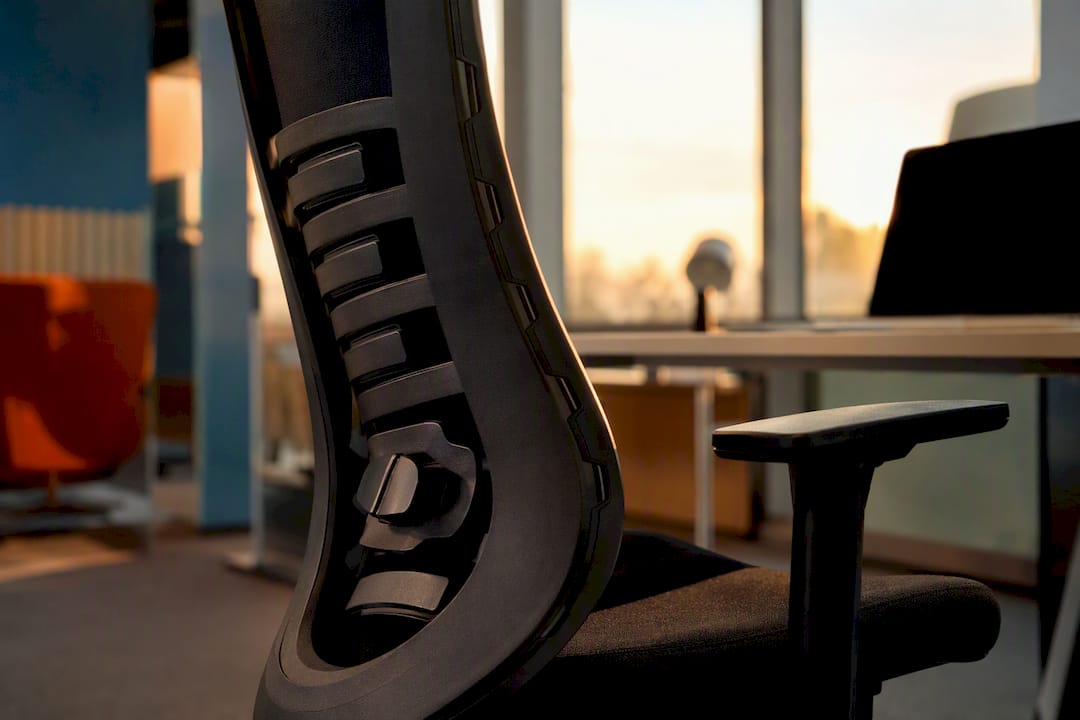
Dynamic, or self-adaptive, lumbar systems move with you. Rather than locking into one fixed curve, the mechanism flexes as you shift position, sometimes with asymmetrical give on each side of the spine or built-in pelvic stabilisation. These systems tend to show up on higher-specification ergonomic chairs and suit people who fidget, lean, and change posture constantly through the day rather than sitting rigidly still.
External lumbar cushions are standalone pads you strap or wedge onto an existing chair. They’re the cheapest fix and the most portable, useful for hot-desking, home offices with unsuitable seating, or older chairs with no lumbar feature at all. But they should be treated as a supplement to a poor setup, not a substitute for a properly designed integrated system, since a strapped-on cushion can shift, slip, or bunch during the day in a way a built-in mechanism doesn’t.
Here’s how they stack up against typical daily use:
None of these labels tells you whether a specific chair will suit a specific spine. That’s a fitting question, which is where the adjustment controls come in.
Mechanical adjustable lumbar systems typically give you control over three things, and most chairs only offer two of them. Understanding what each one fixes helps you spot a genuinely useful mechanism from a token gesture.
Chairs that only offer one axis of adjustment, usually height, solve half the problem at best. Two independent controls, height plus depth or height plus firmness, tend to fit a far wider range of body shapes because they let you correct for both vertical position and how much the pad actually presses into your back.
Pro Tip: Set height first, then depth. Adjusting depth before height is locked in place means you’re often fine-tuning pressure against the wrong part of your spine.
A correctly positioned adjustable support does more for your back than any fixed pad ever will, and pelvic stabilisation matters just as much as the lumbar mechanism itself, according to clinical guidance from Cambridge University Hospitals. Getting there takes a five-minute routine, not guesswork.
Once it’s set, run three quick checks. First, does your lower back keep its natural inward curve rather than flattening or rounding? Second, can you breathe and shift weight without the pad digging in at one point? Third, does the setup still feel comfortable after 20 to 30 minutes, not just in the first thirty seconds? Musculoskeletal complaints linked to poor seating are a recognised workplace risk that employers are expected to manage, which is exactly why this five-minute check matters more than most people assume.
The most common mistake is setting lumbar support once and never revisiting it after switching chairs, changing shoes, or gaining or losing a bit of weight around the middle. All of these shift where your natural curve sits relative to the pad, so a five-minute recheck every few months costs nothing and catches drift before it becomes a nagging ache.
Lumbar support helps posture and pressure distribution, but it doesn’t fix everything, and treating it as a cure-all leads to disappointment.
Watch for red flags that go beyond ordinary stiffness: pain that worsens over days rather than easing, numbness, tingling, or pain radiating down a leg. These warrant a visit to a GP or physiotherapist rather than another round of chair adjustments. Lumbar support also works best as one part of a wider approach, alongside pelvic stabilisation and core strength, both of which NHS live-well resources on strength training link directly to posture and seated comfort.
Buying decisions get easier once you answer three questions honestly: how many hours a day will this actually be sat in, who’s sitting in it, and how much servicing or hygiene upkeep can you realistically manage across a fleet of chairs.
For team procurement specifically, consistency across the office beats chasing the single best individual chair. Specifying one model with height and depth adjustment, backed by a service agreement, is safer than mixing several. Because spinal curvature varies so widely between individuals, it’s worth trialling a small cohort of staff on a shortlisted chair before committing to a full office order rather than assuming one model suits everyone equally well.
Furnitureforbusiness weighs lumbar support the same way procurement teams should: adjustability and durability first, novelty second. A mechanism that a hundred different employees can reset correctly in seconds, and that still works after two years of daily use, beats a clever feature that looks impressive in a showroom but fails under real office wear.
That’s why the chairs Furnitureforbusiness recommends for prolonged sitting favour height-adjustable lumbar pads with robust mechanical controls over fixed pads or delicate dynamic mechanisms that are harder to service at scale. For teams supplementing existing chairs rather than replacing them outright, a well-made external accessory is a legitimate stopgap, provided it’s treated as one.
— Furniture
There are other routes to fixing uncomfortable seating: a physiotherapist referral, a one-off ergonomic assessment, or simply living with what you’ve got. None of them solve the problem as directly as swapping in a chair built with proper adjustable lumbar support from the start.

Furnitureforbusiness’s office chairs range is built around exactly the priorities this guide sets out: height and depth adjustable lumbar mechanisms, durable construction rated for daily commercial use, and bulk pricing that makes fitting out a whole floor straightforward rather than a per-desk headache. If your existing chairs are structurally sound but simply missing decent lumbar support, the air pump lumbar support accessory adds adjustable, inflatable firmness control without replacing the chair entirely. Whichever route suits your office, browse the current range and get a bulk quote sorted before your next fit-out deadline creeps up.
Cambridge University Hospitals covers seating and ergonomics in detail. The NHS explains occupational therapy and separately covers core strength training. Britsafe outlines managing musculoskeletal disorders at work.

Phone: 0330 043 4114
VAT no. GB 991 8681 60
Company no. 07250570