Workplace ergonomics guidelines are systematic frameworks that optimise the fit between employees and their work tasks, equipment, and environment. The UK Health and Safety Executive defines ergonomics as a science concerned with this fit, putting people first by accounting for their physical and cognitive capabilities and limitations. Getting this right reduces musculoskeletal disorders (MSDs), cuts injury-related absence, and lifts productivity across the board. For HR professionals and safety managers, these guidelines are not a compliance checkbox. They are an operational tool.
Effective ergonomics guidelines typically cover:
Musculoskeletal disorders are among the most costly and disruptive workplace injuries. Work-related musculoskeletal disorders (MSDs) typically result in longer absences compared to other work-related injuries. That gap has a direct effect on staffing cover, output, and compensation costs.
The median absence duration for work-related musculoskeletal disorders (MSDs) is 14 days, compared to 9 days for other injuries. Source: NIOSH
Beyond the health case, ergonomics guidelines directly improve productivity by reducing human error and operational inefficiency. When a workstation fits the person using it, concentration improves, fatigue sets in later, and the quality of output stays consistent across a shift. The HSE makes this point explicitly: ergonomics is a core safety science, not a soft benefit.
Reduced sick leave is the most visible financial return. But the less obvious gains, including fewer errors, lower staff turnover, and better morale, compound over time. Organisations that treat ergonomics as a management framework rather than a set of rules tend to see those compounding returns most clearly.
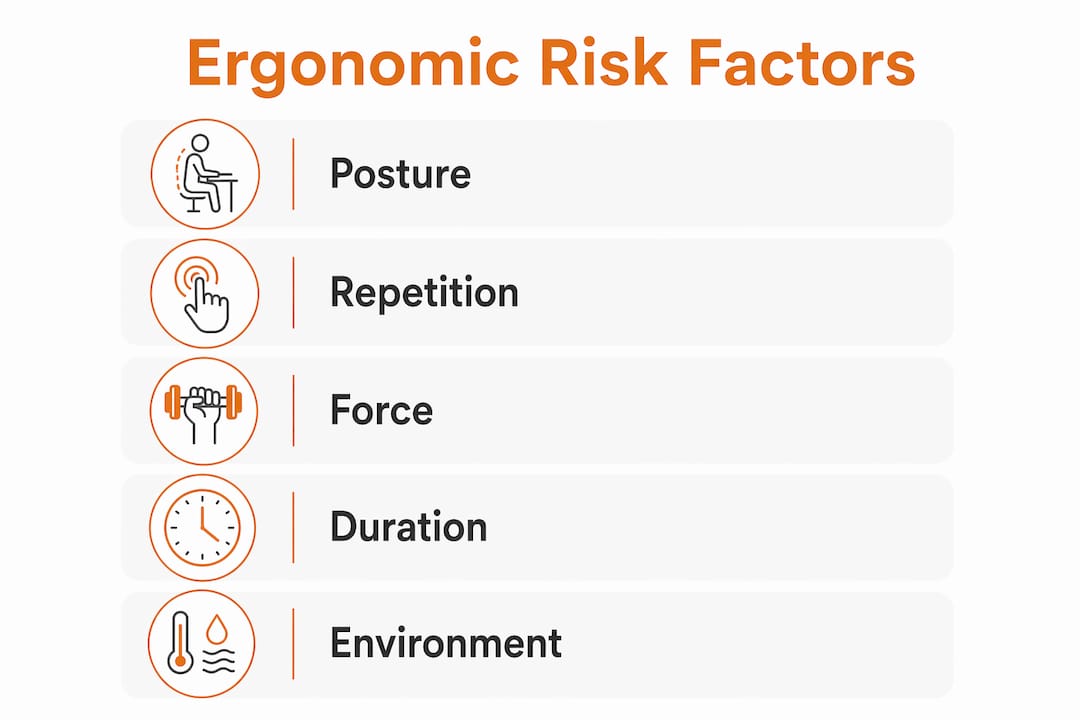
Common ergonomic risk factors include repetitive motion, awkward postures, static positions held for long periods, forceful exertions, and environmental stressors such as poor lighting or excessive noise. Each of these, on its own, may seem minor. Combined over a working day, they accumulate into the conditions that cause carpal tunnel syndrome, lower back pain, and shoulder injuries.
Effective guidelines address these through both physical and organisational controls:
The scope of good ergonomics guidelines extends beyond furniture. ISO and ILO principles both frame ergonomics as a management discipline that covers cognitive and organisational factors alongside the physical environment.
Pro Tip: Involve employees directly in ergonomic assessments. Workers have detailed knowledge of their own discomfort and task demands that no external audit can replicate. Involving end-users in selecting and adjusting equipment significantly improves long-term compliance and satisfaction.
The most durable ergonomics programmes follow the Plan-Do-Check-Act (PDCA) model, recommended by both ISO and CSA Z1004 standards. This treats ergonomics as a continuous process rather than a one-off project. Here is how that plays out in practice.
Key action points to keep in mind throughout:
The physical environment is where ergonomics guidelines become tangible. Choosing the right furniture is not about buying the most expensive chair. It is about matching adjustability and function to the range of people who will use the space.
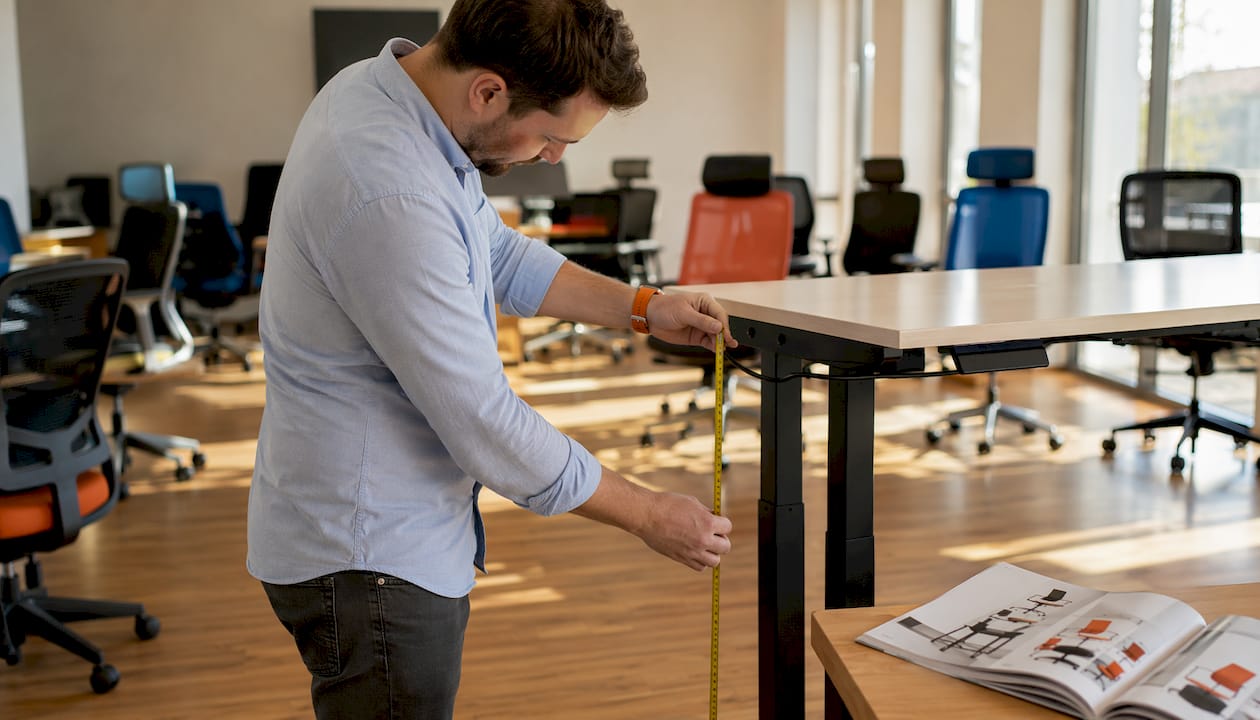
Ergonomic chairs should offer height adjustment, lumbar support, seat tilt, and adjustable armrests as a minimum. Lumbar support keeps the natural curve of the lower spine in place during long periods of sitting. Without it, the lower back rounds, and fatigue sets in within the hour. For teams of mixed heights and builds, a chair with a wide adjustment range covers more people without requiring individual bespoke solutions.
Desk height determines whether a worker can maintain a neutral wrist and shoulder position while typing. Fixed-height desks work for a narrow range of body sizes. Height-adjustable desks extend that range considerably and allow workers to alternate between sitting and standing, which reduces the static load that builds up over a full working day. A proper ergonomic setup prevents headaches, eye strain, neck and back pain, and repetitive strain injuries.
| Element | Guideline |
|---|---|
| Chair height | Feet flat on the floor, knees at roughly 90 degrees |
| Lumbar support | Positioned to support the natural curve of the lower back |
| Desk height | Forearms roughly parallel to the floor when typing |
| Monitor height | Top of screen at or just below eye level |
| Monitor distance | Roughly an arm’s length from the face |
| Keyboard and mouse | Close to the body, wrists neutral and not bent upward |
| Lighting | No glare on the screen; sufficient ambient light |
| Movement | Take regular short breaks to change posture |
Involving employees in furniture selection pays off. Workers who have a say in their own workstation setup are more likely to use it correctly and report problems early. For guidance on setting up ergonomic workspaces in line with UK regulations, a structured checklist approach helps managers cover every element systematically.
Training is where ergonomics guidelines move from policy documents to actual behaviour change. Without it, even the best-designed workstation gets misused within a week.

Effective training covers three groups differently. Employees need to understand how to adjust their own workstation, recognise early symptoms of MSDs, and know the process for reporting discomfort before it becomes an injury. Line managers need enough knowledge to spot ergonomic problems during normal supervision and to take early reports seriously. Senior decision-makers need to understand the business case, including the cost of MSD-related absence, so that ergonomics investment gets sustained beyond the initial rollout.
The format matters as much as the content. Classroom-style inductions work for initial awareness, but hands-on workstation assessments, where a trained assessor works through adjustments with the individual employee, produce better retention. Refresher sessions after a workspace change or a new hire joining keep the programme active rather than letting it drift.
OSHA’s ergonomics process guidance stresses that training should be an ongoing element, not a one-time event. Early symptom reporting, in particular, only works if employees trust that raising a concern will lead to action rather than being dismissed.
The most instructive examples of ergonomics implementation in UK workplaces share a few consistent features. They start with a genuine risk assessment rather than a furniture catalogue, they involve workers from the outset, and they treat the programme as a living system rather than a fixed policy.
A manufacturing business that introduced job rotation between assembly tasks, combined with adjustable workbenches and a structured break schedule, saw a measurable reduction in upper limb complaints within the first year. The key was not the equipment alone. It was the combination of physical controls and administrative changes, backed by line manager training to spot early signs of strain.
In office environments, the pattern is similar. Organisations that audit their workstations against HSE guidance, provide height-adjustable desks alongside properly adjusted chairs, and train employees to self-assess their setup tend to report fewer MSD-related absences than those that simply purchase ergonomic furniture without the supporting process. The right office furniture supports the guidelines, but it does not replace them.
The PDCA model applies here too. Organisations that review their ergonomics data annually, adjust their approach based on what the absence and incident records show, and keep employees involved in that review process build programmes that stay effective as the workforce and workspace evolve.

Furnitureforbusiness supplies ergonomic office chairs and height-adjustable desks designed to meet the adjustability standards that UK ergonomics guidelines require. Whether you are fitting out a single team or equipping a full floor, the range covers the core elements: lumbar support, seat height adjustment, desk height flexibility, and the accessories that complete a compliant workstation setup. Free delivery to the UK mainland, bulk order pricing, and easy returns make procurement straightforward for teams of any size.
Workplace ergonomics guidelines reduce MSD risk, cut absence, and improve productivity when implemented as a continuous management process rather than a static policy document.
| Point | Details |
|---|---|
| MSD absence is longer | The median absence duration for work-related musculoskeletal disorders (MSDs) is 14 days, compared to 9 days for other injuries. |
| PDCA drives improvement | Use the Plan-Do-Check-Act cycle to keep ergonomics programmes active and evidence-based. |
| Employee involvement matters | Involving workers in assessments and equipment selection improves compliance and long-term outcomes. |
| Physical and admin controls | Ergonomic guidelines cover both furniture adjustability and administrative measures like task rotation and break scheduling. |
| Training sustains the programme | Ongoing training for employees and managers keeps ergonomic behaviours embedded after the initial rollout. |

Phone: 0330 043 4114
VAT no. GB 991 8681 60
Company no. 07250570