The best standing desk storage combines under-desk drawers or a mobile pedestal for daily files, a clamp-on or hanging organiser for small items, and a slim cable tray to keep power leads out of the way. The rule that decides between them is simple: whatever you fit must preserve legroom and let you move freely at every desk height. Check the result against the HSE’s DSE workstation guidance once it’s installed.
TL;DR:
- Under-desk drawers should be tested at full height to ensure they do not jam or block legroom when the desk is raised or lowered.
- Clamp-on storage must be reversible and should not interfere with the desk’s maximum height travel or the user’s knee space.
- Cable management should include fixed power strips, a cable chain, and testing with all equipment plugged in at both sitting and standing heights to avoid trip hazards.
- Lockable mobile pedestals are ideal for shared offices and must have stable, flat wheels that lock when stationary to prevent tipping.
- Performing a full workspace self-check with the actual user after installing storage and cable solutions prevents common issues and ensures ergonomic safety.
Not every storage type suits a desk that moves. Some clamp to a fixed frame and travel with it; others sit on the floor and need clearance underneath as the desktop rises and falls.
Under-desk drawers come in two main forms. Slide-out drawers mount to the underside of the desktop and travel with it, so they stay within reach at any height, but they add weight that some frames’ motors will need to lift repeatedly. Clamp-mounted drawer units grip the desk edge without drilling, which suits rented offices or hot-desk arrangements, though they can eat into legroom if positioned too centrally.
Mobile pedestals work well when a team shares a desk or when a worker needs to relocate storage between rooms. Choose one with locking wheels so it stays put while you’re standing, and position it beside rather than under the desk if leg clearance is tight. A lockable pedestal also doubles as basic security for personal items.
Clamp-on and hanging organisers are the fastest fix for flexible workstations. They attach without drilling, hold pens, headphones or a notebook, and can be unclipped in seconds, which makes them a natural fit for hot-desking or hybrid teams who don’t want to leave items behind.
Desktop organisers and monitor risers keep daily-use items within arm’s reach without spreading clutter across the surface. A riser with a built-in drawer or tray does two jobs at once: it lifts the screen to a better line of sight and stores a keyboard or notepad underneath.
Wall and vertical storage, such as pegboards or fabric pouches fixed above the desk, free up the desktop and the floor entirely. This is the best option where legroom is already limited, since nothing sits between the user’s knees and the desk frame.
Picking the wrong storage for a sit-stand desk usually shows up the first time someone raises it to standing height and hears a clamp scrape the frame, or worse, catches a knee. A short checklist avoids most of the common mistakes.
Refuse anything that blocks the desk’s height travel, obstructs the knee well at standing height, or relies on a fixing that can’t be tested before delivery.
Pro Tip: Fit storage, then run a full DSE self-check with the person who’ll use the desk daily, not just a quick glance from someone else’s desk.
Cables cause more sit-stand complaints than any storage item, mostly because they’re fitted once at a fixed height and forgotten. Mount power strips and adapters to the moving desktop itself, or to a purpose-built tray fixed underneath it, rather than leaving them on the floor where the lead has to stretch every time the desk moves.
Route power and data through a single controlled drop, ideally inside a flexible cable chain that concertinas as the desk rises and falls. This avoids the two common failures: too little slack, which pulls connectors loose, and too much slack, which pools on the floor and becomes a trip hazard.
HSE’s DSE workstation checklist requires cables to be arranged so they are not a trip or snag hazard, and recommends testing the workspace again after any change to equipment or layout, which includes fitting new storage or cable management.
The right storage mix depends more on what you use daily than on desk size.
Each of these can be adapted or combined, but the test stays the same: raise the desk, sit down, stand up, and see whether anything gets in the way.
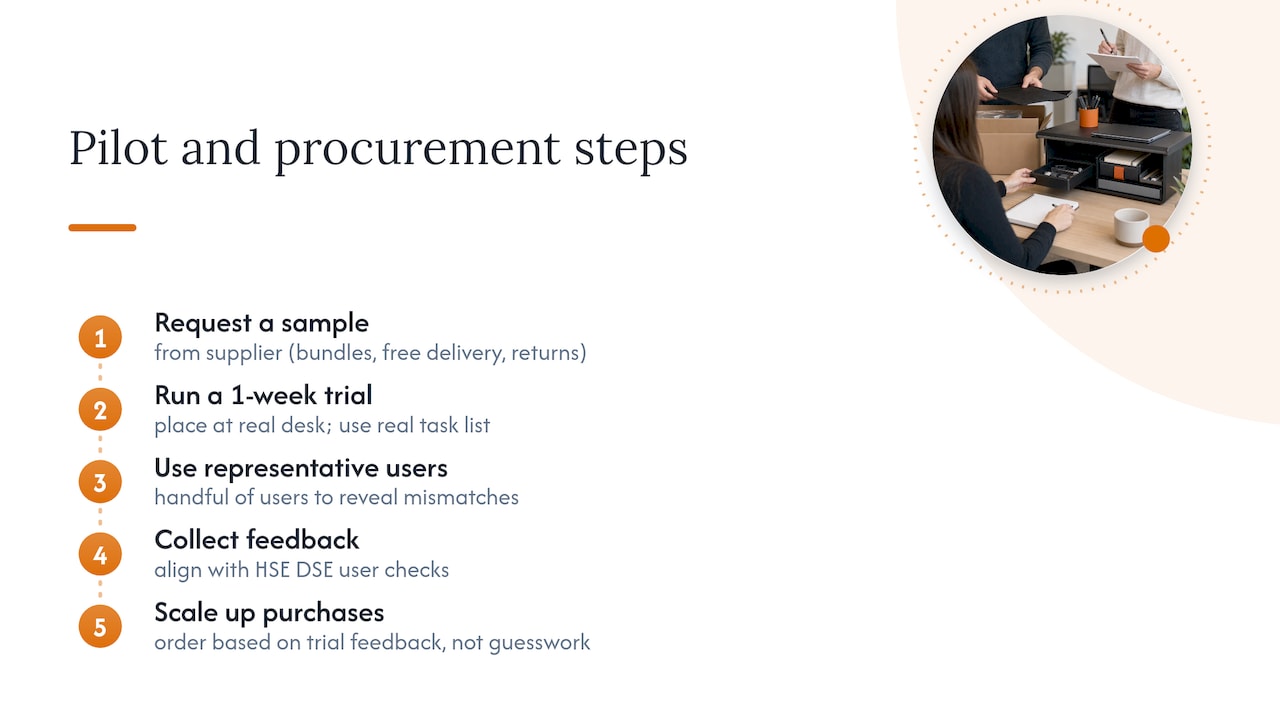
Buying one drawer unit for the whole office rarely works, because desk heights, tasks and habits vary by person. A short pilot, run with a handful of representative users before wider rollout, catches mismatches that a single sample never reveals, and it lines up with HSE’s DSE assessment approach of involving the actual user in the check.
Commercial suppliers offer office storage designed for exactly this kind of trial, alongside bundle pricing for larger orders, free delivery to the UK mainland, and straightforward returns if a configuration doesn’t work out. Request a sample, trial it for a week against a real desk and task list, then scale up based on feedback rather than guesswork.
— Furniture
Fitting out a floor of sit-stand desks is a different job to buying one drawer unit, and it’s where a supplier used to commercial orders makes a practical difference. Some suppliers stock office storage built for height-adjustable desks, alongside office desks and office accessories such as cable trays, clamp-on organisers and monitor risers.

Free delivery to the UK mainland and a straightforward returns process mean a pilot order carries little risk if the first configuration needs adjusting.
This guide draws on HSE’s DSE assessment guidance, the DSE workstation checklist, a randomised workplace trial on sit-stand desks, and a comparative sit:stand ratio study.
The 20-8-2 rule suggests cycling through sitting, standing and moving periods each half hour. Peer-reviewed testing of different sit:stand ratios within 30-minute cycles found that preference varies by person, so treat any fixed ratio as a starting point rather than a strict rule.
Under-desk or clamp-on drawers, a mobile pedestal, a clamp-on organiser for small items, and a monitor riser with built-in storage all work well, provided they clear the frame at every desk height. Wall-mounted pegboards suit smaller desks where floor and desktop space are both limited.
A randomised workplace trial found that sit-stand desks, used as part of a wider intervention, reduced workplace sitting by about an hour a day, with benefits largely maintained at 12 months, though the intervention alone did not produce a measurable cardiometabolic benefit for the whole group. HSE’s ergonomic guidance treats prolonged sitting and prolonged standing as equally undesirable, so the value comes from movement, not from standing alone.
Look for a height-adjustable desk with a drawer or pedestal that’s rated for the frame’s full range of motion, rather than a fixed unit adapted after the fact. Furniture for Business lists height-adjustable desks alongside compatible storage options built for commercial use.

Phone: 0330 043 4114
VAT no. GB 991 8681 60
Company no. 07250570