Finding the ideal office chair can feel like a maze for Office Managers and Procurement Specialists across British workplaces. Comfort isn’t just about cushioning—it’s how well your chair supports your body through hours of meetings and tasks. As modern workspaces evolve with new equipment, understanding office chair ergonomics helps prevent strain and creates healthier, more productive teams. This guide clears up common misconceptions and shows what features matter most for effective seating in UK offices.
| Point | Details |
|---|---|
| Importance of Ergonomics | Proper office chair ergonomics enhances comfort and reduces strain, ultimately leading to increased productivity. |
| Misconceptions to Avoid | Soft chairs are not necessarily comfortable; ergonomic design should cater to individual body types and support movement. |
| Investment Value | Ergonomic chairs significantly reduce absenteeism and healthcare costs, providing measurable financial returns on investment. |
| Regular Maintenance | Ongoing care of chairs is essential to preserve their ergonomic benefits and extend their lifespan. |
Office chair ergonomics involves far more than just having a comfortable seat. It’s about understanding how your body interacts with your workspace and making adjustments that reduce strain and promote health throughout your workday.
At its core, office chair ergonomics means optimizing the relationship between you, your chair, and your entire workstation. This includes how your spine aligns, how your arms rest, where your feet land, and even how your eyes meet your screen. When these elements work together properly, your body experiences less stress.
Many organizations overlook how modern workstations have changed. Contemporary equipment configurations, including ultrawide monitors and sit-stand desks, require fresh thinking about ergonomic setup—not just applying yesterday’s rules.
One major myth: a soft, plush office chair equals comfort. Wrong. Overstuffed chairs often fail to support your spine correctly, actually encouraging poor posture over long hours.
Another false belief: ergonomics is one-size-fits-all. Your body differs from your coworker’s. What works perfectly for one person may create problems for another.
Here’s what many procurement specialists miss:
Proper spine alignment support requires chairs that address both thoracic and lumbar regions—not just one or the other. When chairs fail here, employees develop poor posture habits that persist even away from their desks.
The real goal isn’t finding the perfect chair. It’s creating workstations where your team can work comfortably for eight hours without physical consequences.
Effective ergonomics reduces strain on your employees’ bodies—the result is fewer sick days, higher productivity, and lower turnover costs.
Pro tip: When evaluating new office seating for your team, test how adjustable features actually work during a full workday, not just in a showroom demo, to ensure they truly support diverse body types.
Not all office chairs are created equal. The market offers several distinct types, each designed for different work scenarios and body types. Understanding which type suits your team’s needs makes the difference between wasted budget and genuine productivity gains.
Standard ergonomic revolving chairs dominate most UK corporate offices. These chairs combine adjustability with mobility—your team can rotate and move without leaving their workspace. They typically feature height adjustment, armrests, and lumbar support.

Static chairs provide a fixed, stable sitting experience without wheels. While less flexible, static seating options eliminate distractions and can reduce back strain for workers who need zero movement during focus tasks.
Standing and sit-stand hybrid chairs address the modern trend of alternating between sitting and standing. These specialized seats support brief sitting periods while standing at adjustable desks—increasingly common in contemporary workspaces.
Executive and task-specific chairs vary significantly in design. Some prioritize aesthetic appeal for client-facing roles, while others focus purely on support for data-entry positions requiring extended sitting.
Here’s a quick comparison of popular office chair types and their suitability for various workplace needs:
| Chair Type | Ideal For | Adjustability Level | Typical Strengths |
|---|---|---|---|
| Ergonomic Revolving Chair | General office use | High | Mobility and flexibility |
| Static Chair | Focused, stationary work | Low | Stability and simplicity |
| Sit-Stand Hybrid Chair | Dynamic workstations | Medium | Supports movement |
| Executive/Task-Specific Chair | Specialized or aesthetic roles | Variable | Appearance or tailored support |
Chair type matters, but features determine real ergonomic value. Here’s what procurement specialists should prioritize:
Ergonomic design considerations across different chair models incorporate materials science and biomechanics principles. The best chairs combine multiple support features rather than excelling in just one area.
To help you choose wisely, here is a summary of essential ergonomic chair features and their business impact:
| Feature | What It Does | Business Impact |
|---|---|---|
| Adjustable Seat Height | Allows feet to rest comfortably | Reduces leg strain, boosts comfort |
| Lumbar Support Adjustment | Customizes back support | Cuts back pain risk, improves focus |
| Armrest Positioning | Supports proper arm alignment | Lowers shoulder and neck tension |
| Breathable Upholstery | Prevents overheating | Enhances comfort and reduces fatigue |
| Seat Depth/Width | Fits various body types | Supports diverse workforce |
Don’t confuse features with quality. A chair with ten adjustment options that none of your team understands provides zero benefit. Usability matters as much as feature count.
The most effective ergonomic chair is one your employees actually adjust properly and use consistently—not the one with the most buttons.
When comparing options, test how intuitive adjustments are. Can someone figure out lumbar support adjustment without a manual? That’s what separates genuinely ergonomic chairs from over-engineered ones.
Pro tip: When purchasing chairs in bulk, request demonstration units for your team to test over a full week—this reveals adjustment issues and comfort problems that a showroom visit won’t catch.
Back pain costs UK businesses millions annually in lost productivity and sick leave. The good news? Proper ergonomic seating prevents most of these injuries before they start. Your investment in quality office chairs directly reduces pain, cuts absences, and protects your team’s long-term health.
Musculoskeletal disorders—pain in the back, neck, shoulders, and wrists—develop silently. Employees sit in poor posture for months, then suddenly experience sharp pain that forces them to take time off. By then, damage is already done.
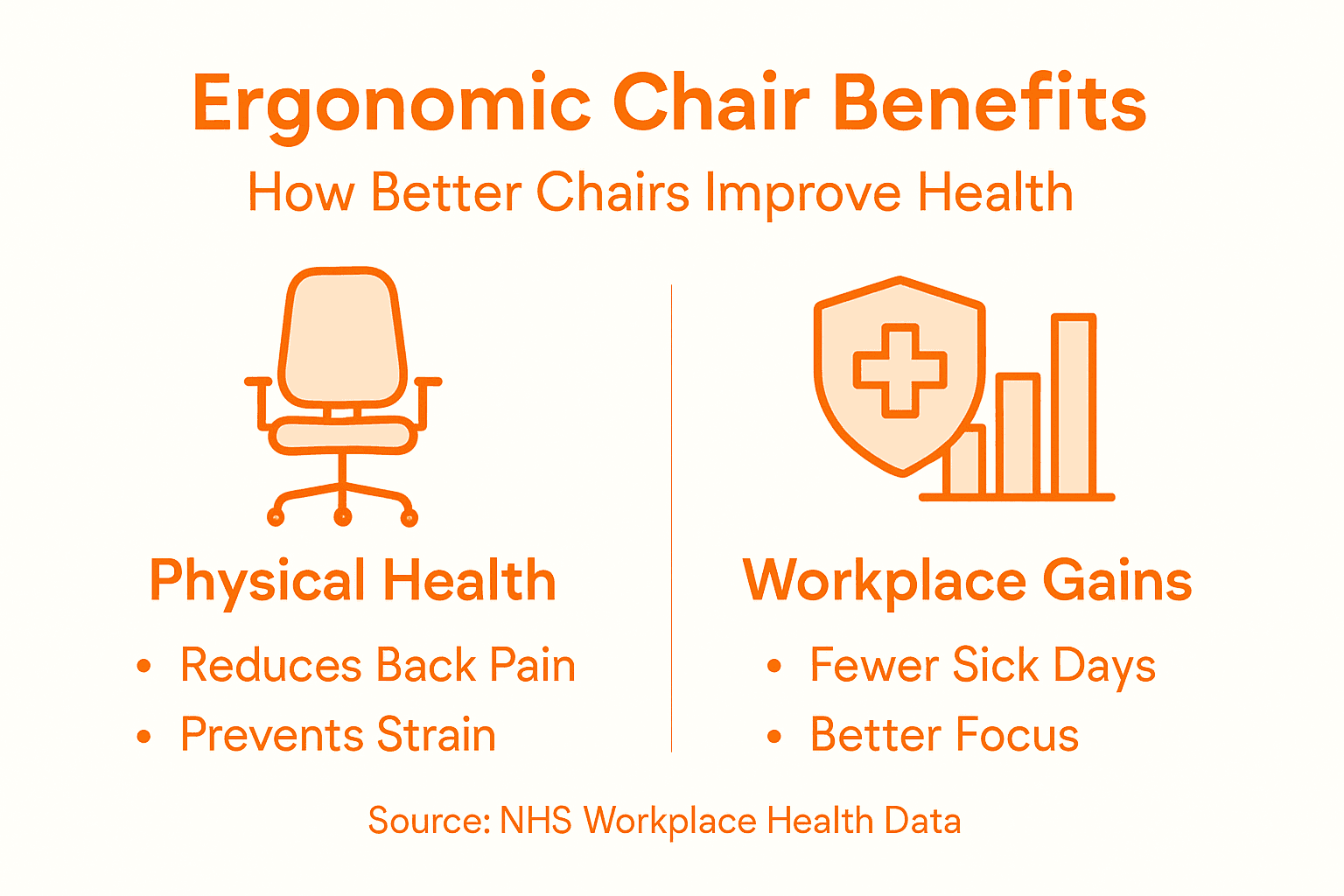
Ergonomic workplace interventions like proper seating significantly reduce the risk of these conditions. When chairs support correct spinal alignment and posture, strain decreases immediately. Over weeks and months, the cumulative effect prevents injuries that would otherwise emerge.
Quality ergonomic seating works through several mechanisms:
These aren’t minor comforts. Each feature addresses a specific injury mechanism that develops during traditional office work.
Research confirms the impact. Systematic reviews show that ergonomic seating solutions effectively lower both the frequency and severity of work-related musculoskeletal disorders. This means fewer employees experiencing pain and those who do experiencing milder symptoms.
The timeline matters too. Initial benefits appear within weeks as posture improves. Long-term benefits accumulate over months and years as chronic strain patterns reverse.
Investing in ergonomic chairs isn’t a wellness expense—it’s workplace injury prevention that protects your bottom line through reduced absenteeism and healthcare costs.
Consider the math: one employee with serious back pain might cost your organization 15,000 to 20,000 in direct and indirect costs. Proper seating prevents that injury entirely for a fraction of that cost.
Pro tip: Track pain-related absences before and after implementing ergonomic seating upgrades—this data becomes powerful justification for future workplace health investments and demonstrates clear ROI to leadership.
Discomfort destroys focus. When your team sits in poorly designed chairs, their attention fragments throughout the day. Emails take longer to write. Mistakes increase. Concentration lapses become frequent interruptions.
Ergonomic seating changes this dynamic completely. Employees who aren’t fighting back pain or neck strain can actually concentrate on their work. The result? Measurable productivity gains that appear within weeks.
Ergonomic chairs reduce discomfort and fatigue, directly improving employee focus and efficiency. When workers feel physically comfortable, they produce more output in fewer hours. This isn’t motivation or willpower—it’s basic physiology.
Think about your actual business costs. Seat one employee at a proper ergonomic workstation and track what changes:
Each factor compounds. An employee who takes three fewer sick days annually and makes fewer mistakes while increasing output velocity represents thousands of pounds in value.
Ergonomic improvements enhance job satisfaction and performance, creating financial benefits that extend beyond individual productivity. Teams with better morale collaborate more effectively. Knowledge retention improves. Institutional memory strengthens.
The investment math is straightforward. A quality ergonomic chair costs between 400 and 1,200 pounds. One prevented back injury that would cost 15,000 to 20,000 in absenteeism and healthcare justifies that expense multiple times over.
Consider these concrete numbers for a 50-person office:
If ergonomic seating reduces sick days by just 2 per employee yearly, your 50-person office saves 30,000 pounds annually. The entire chair investment pays for itself in weeks.
Ergonomic seating isn’t a cost center—it’s a productivity investment that generates measurable financial returns within the first year.
These calculations don’t even include improved output quality, reduced turnover, or enhanced employee satisfaction. They’re conservative estimates based purely on absenteeism reduction.
Pro tip: When presenting ergonomic seating upgrades to leadership, calculate payback period using your actual sick leave data and healthcare costs—this ROI-focused approach secures budget approval far more effectively than wellness arguments alone.
Buying the right ergonomic chair is only half the battle. Without proper setup and ongoing maintenance, even premium seating loses its benefits within months. Your investment requires active management to deliver sustained health and productivity gains.
Selecting chairs for a corporate office demands more than browsing product catalogs. You need a systematic approach that evaluates actual ergonomic performance, not just marketing claims.
Start by identifying your team’s actual needs. Different roles demand different seating solutions. A receptionist needs mobility and durability. A data analyst needs extended support and minimal movement. Executive staff may prioritize aesthetics alongside function.
Evaluating chair types based on ergonomic discomfort scores and adjustability features ensures you select models that genuinely support your workforce. Testing demonstrates real performance beyond specifications.
Here’s your selection process:
Don’t rush selection. Spend weeks testing before purchasing. A chair that seems perfect in a 30-minute demo might create problems during an eight-hour workday.
Regular maintenance preserves ergonomic benefits that deteriorate without attention. A chair that supported proper posture last year might fail today if neglected.
Create a maintenance schedule:
Ignore these tasks and your chairs deteriorate. Gas cylinders fail, making height adjustment impossible. Lumbar support mechanisms break. Armrests loosen. What once provided excellent support becomes genuinely harmful.
Document maintenance in a simple spreadsheet. Track which chairs need attention. Budget for component replacement rather than full chair replacement whenever possible.
Proper maintenance extends chair lifespan by 50 percent while preserving ergonomic benefits that would otherwise fade.
Your facilities team should understand basic chair mechanics. Teach them to identify common problems early before they create employee discomfort or safety issues.
Pro tip: Schedule quarterly audits where you randomly select chairs from different departments and have employees report on adjustments they use regularly—this reveals whether your team actually understands how to customize seating for their bodies.
Struggling with preventing back pain and low productivity caused by poor office chair ergonomics Your employees deserve seating solutions that prioritize adjustable lumbar support, proper seat height, and breathable materials to reduce fatigue and improve posture quickly. At Furniture For Business we specialize in ergonomic office chairs designed to meet diverse workforce needs and modern workspace challenges discussed in the article Office Chair Ergonomics Impact on Workplace Health.
Explore our wide selection of executive chairs and ergonomic seating built for comfort and durability to keep your team healthier and more productive today. Don’t wait for costly injuries or lost workdays Invest now in proven ergonomic seating solutions that deliver measurable ROI backed by expert design and workforce testing. Visit Furniture For Business and secure your team’s wellbeing with furniture that truly supports them every workday.
When selecting an ergonomic office chair, prioritize features such as adjustable seat height, lumbar support adjustment, armrest positioning, seat depth and width, swivel and tilt functionality, and breathable upholstery. These features contribute to better posture and comfort throughout the workday.
Ergonomic chairs support proper spinal alignment, reduce strain on muscles, and promote better posture, which collectively helps prevent musculoskeletal disorders such as back pain, neck strain, and wrist discomfort. By addressing these issues proactively, employers can minimize injury risk among employees.
Testing ergonomic chairs before purchase is crucial because comfort and support can vary significantly among different models. A chair that seems comfortable in a showroom may not provide the same level of support during extended use. It’s essential to evaluate how adjustable features work in real work conditions.
Regular maintenance is vital to ensure that ergonomic chairs continue to provide adequate support. Checking adjustments, inspecting upholstery, and addressing any mechanical issues help maintain the chair’s functionality, preventing discomfort and ensuring that posture support remains effective over time.

Phone: 0330 043 4114
VAT no. GB 991 8681 60
Company no. 07250570