Under the Health and Safety (Display Screen Equipment) Regulations 1992, any chair used by a DSE worker must be stable, have a seat that adjusts in height, and a back that adjusts in both height and tilt. A footrest must be supplied on request. These duties apply to “users” — staff who work at a screen for prolonged periods most days — and if someone reports discomfort, the employer has to act, not just note it down.
TL;DR:
- Chairs must have a five-spoke stable base, adjustable seat height, and independent height and tilt back adjustments to comply with UK regulations.
- A full workstation assessment and proper training are required once an employee uses screen equipment for an hour or more most days, with reviews triggered by any changes or complaints.
- Conduct quick physical inspections, checking the base, adjustment levers, swivel and castors, armrests, and user fit, recording all findings for compliance and follow-up.
- Proper adjustment sequence starts with setting the seat height, then lumbar and seat depth, armrests, and finally monitor position to avoid neck strain.
- Use trial assessments of sample chairs before bulk purchasing, specify standards like BS EN 1335 in procurement, and keep detailed records of assessments, discomfort reports, and maintenance.
Before signing off on any purchase order, run it against the statutory basics first, then the practical extras that actually make a chair usable day to day.
HSE defines a “DSE user” as someone who uses screen equipment for continuous spells of an hour or more, most working days — the assessment guidance treats this as the trigger for a full workstation assessment. Someone who checks emails for ten minutes between meetings does not automatically qualify, though giving them a decent chair anyway is basic good practice, not a legal grey area worth arguing over.
Once someone meets the “user” definition, the employer’s obligations are clear: carry out a DSE assessment, provide training on adjusting the equipment, supply suitable furniture, and keep records that can be reviewed. That review isn’t optional if circumstances change. A new starter, a different chair, a desk move, or a complaint about back pain all reset the clock and require a fresh look, as the University of Reading’s DSE code of practice points out.
A five-minute physical inspection catches most compliance failures before they become a complaint. Work through it in this order:
Acceptance criteria worth setting as policy: the seat height range must suit your shortest and tallest regular user, there must be knee clearance without the front edge pressing behind the knees, and the person must be able to sit with their spine supported, not perched forward to avoid the backrest. Record each of these on your DSE assessment form, along with the model, date checked, and who carried it out. If a user still reports pain after correct adjustment, that’s the point to refer to occupational health rather than swap chairs repeatedly and hope.
Pro Tip: Keep a spare, fully-adjustable chair in reserve for new starters and hot-desk zones. It saves a same-day procurement scramble every time someone fails the fit test.
Adjustment order matters more than most inductions admit. Setting the monitor before the chair means the user is compensating for a bad seated position with neck strain, not the other way round.
This sequence is echoed in university DSE guidance too, which places the chair before the screen in every setup walkthrough. The most common mistake is what H&S teams sometimes call the armrest trap: fixed arms that block the chair reaching the desk, forcing the user to lean forward and lose all the lumbar support they just set. Excessive recline is the second offender, tipping the pelvis and undoing the seat depth adjustment. Keep induction training to these four steps and a two-minute demonstration; it covers the vast majority of hot-desking and new-starter scenarios without needing a full ergonomics session.
A standard adjustable chair covers most staff, but it isn’t a universal fix, and the DSE Regulations explicitly allow for individual solutions where standard equipment doesn’t work.
Purchase orders should reference the Regulations by name and spell out the non-negotiables: five-spoke base, independently adjustable seat height and back, armrests that don’t block under-desk clearance, and a seat height range wide enough for your workforce spread.
Seating is often specified around adjustment range and build quality first, because those are the two things that fail an inspection or a comfort complaint months after delivery, not the padding thickness a brochure photo makes look impressive. In our experience quoting for offices switching from mixed, ageing chair stock to a single compliant spec, the friction is almost always procurement timing, not the Regulations themselves: teams want sample chairs assessed before a bulk order lands, and they want a returns process that doesn’t punish getting it wrong once.
— Furniture
There are suppliers of commercial task and ergonomic seating built for DSE use that offer delivery to the UK mainland and pricing structured for bulk and bundled orders across teams of any size.
If you’re auditing existing stock, start with the office chairs range to compare adjustable-height, adjustable-back models against your current fleet. For a heavier-duty option on long shifts, the Austin Heavy Duty Task Operator Chair covers higher user weights without sacrificing adjustment range, and the Saturn Executive Chair with folding arms solves the armrest trap directly for desks with tighter clearance. Procurement teams weighing a full refit can also read our ergonomic seating picks for 2026 alongside the chair range. Request a sample delivery before committing to a bulk order, and check the site for current pricing and returns terms.
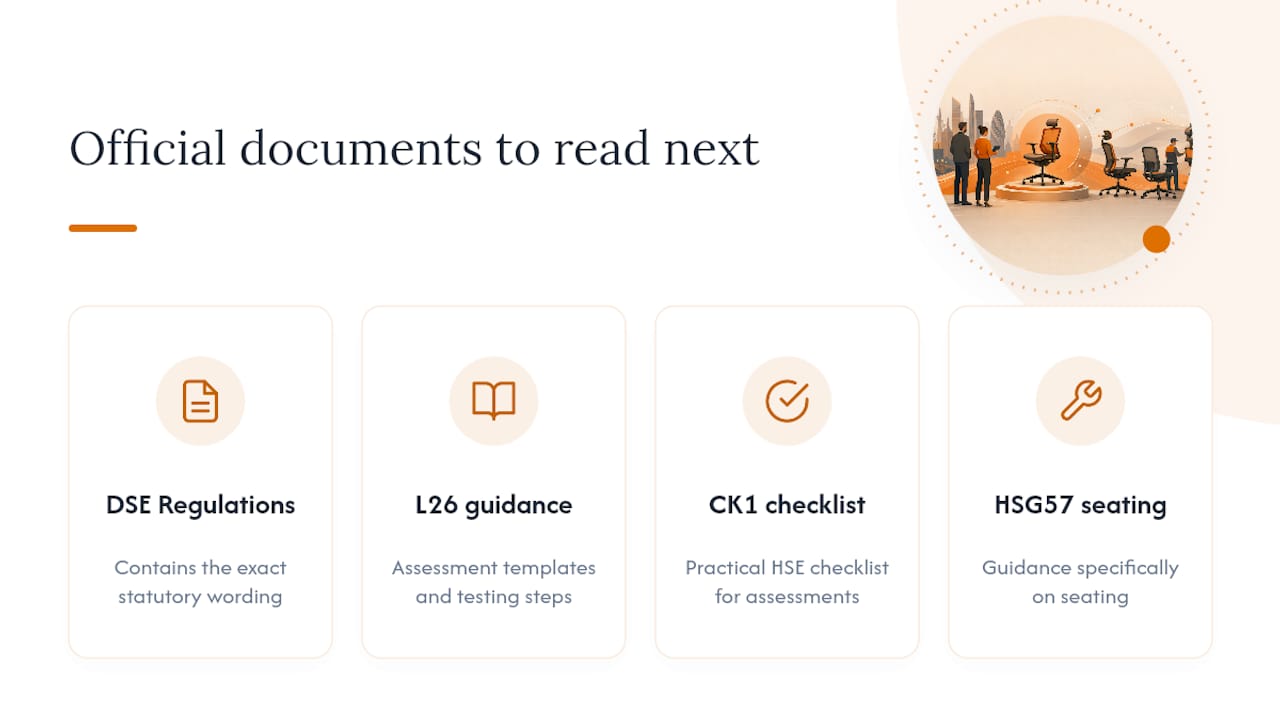
For the exact statutory wording, read the DSE Regulations Schedule directly. For assessment templates and testing steps, use HSE’s L26 guidance, the CK1 checklist, and HSG57 on seating.
Under the DSE Regulations, a DSE user’s chair must be stable, have height-adjustable seating, and a back adjustable in both height and tilt. A footrest must be provided if the user asks for one.
There’s no official “DSE-approved” certification list; instead, any chair meeting the Schedule’s four criteria qualifies. Furniture for Business stocks ergonomic seating built to those adjustment ranges, alongside heavier-duty and executive options for different roles.
HSE’s guidance focuses on adjustability and clearance rather than a fixed floor area, but the practical minimum is enough depth for the chair to slide fully under the desk with armrests clear, plus room to swivel without hitting neighbouring furniture.
HSG57 sets out detailed practical advice on selecting, adjusting and maintaining workplace seating, including durability and special-needs considerations, and works alongside the CK1 checklist for day-to-day inspections.
Reassess whenever the user changes, the equipment changes, or someone reports discomfort. Treating a DSE assessment as a one-off is a common compliance failure that inspectors and insurers both flag.

Phone: 0330 043 4114
VAT no. GB 991 8681 60
Company no. 07250570